It seems we can’t find what you’re looking for. Perhaps searching can help.
Essential Electronics Tools: A Comprehensive Guide for Makers and Engineers
In the world of electronics, having the right tools is essential for building, testing, and optimizing your projects. Whether you’re a hobbyist creating simple circuits or an engineer working on sophisticated systems, the quality and variety of tools you use can significantly impact the success of your projects. From basic hand tools to advanced diagnostic equipment, understanding which tools are necessary and how to use them can elevate your work, streamline your processes, and improve the quality and accuracy of your designs.
This guide will walk you through the most essential tools for electronics work, covering everything from basic hand tools to sophisticated testing and measurement devices. With the right toolkit, you’ll be well-equipped to handle a wide range of tasks, whether you’re working on your next DIY project, debugging a malfunctioning circuit, or building advanced systems.
1. Basic Hand Tools for Electronics
Every electronics maker or engineer needs a set of basic hand tools. These are the tools that you will use daily to assemble, modify, or troubleshoot circuits and components. Here’s a look at the essential hand tools you’ll need:
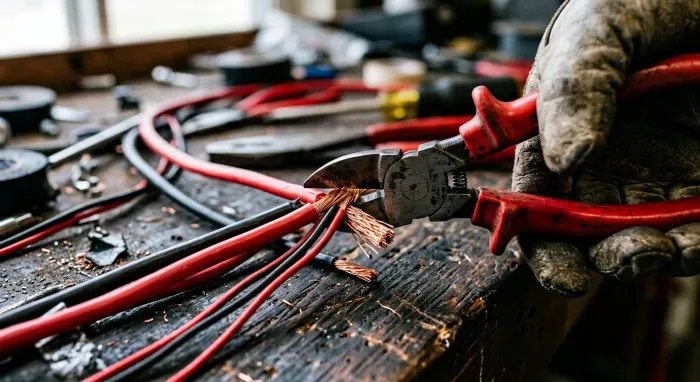
Wire Cutters
Wire cutters, also known as snips or side cutters, are essential for cutting wires to length. Whether you’re trimming leads from components, cutting power cables, or preparing wires for connections, a good pair of wire cutters is a must. Look for precision cutters with sharp edges for clean cuts without fraying the wire.
Needle Nose Pliers
Needle nose pliers are useful for bending, gripping, and holding small components. These pliers feature long, slender jaws that allow you to reach tight spots in your projects, making them ideal for intricate work. They are also excellent for manipulating wire or pins that need to be threaded through small spaces.
Soldering Iron
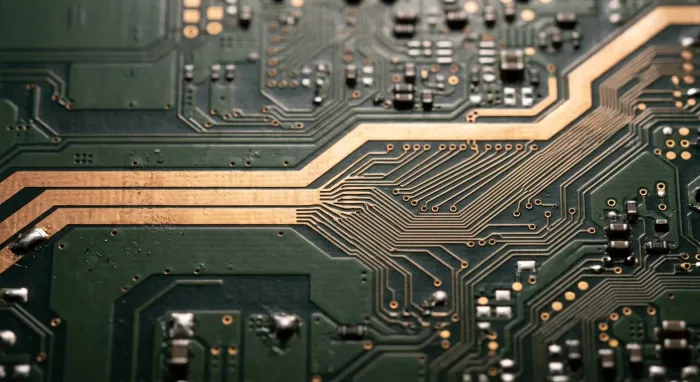
The soldering iron is the heart of any electronics workshop. It allows you to attach components to a PCB (Printed Circuit Board) by melting solder. A good soldering iron should have a stable temperature and adjustable heat settings for precise soldering. A soldering iron with a fine tip is ideal for working with small components or densely packed PCBs.
Soldering Iron Tip Cleaner
Over time, soldering tips can get dirty, which can make the soldering process more difficult. A soldering iron tip cleaner (usually in the form of a brass wool scrubber or sponge) helps keep the tip clean and ensures better heat transfer, making your solder joints smoother and more reliable.
Tweezers
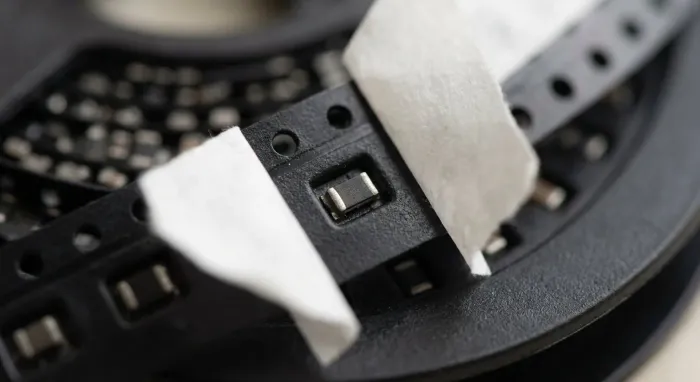
Precision tweezers are important for handling small components, especially surface-mount devices (SMDs). They allow you to pick up and place tiny components accurately without damaging them. Look for anti-magnetic tweezers to avoid interference with sensitive electronic parts.
Screwdrivers
A set of small, precision screwdrivers is essential for tightening or loosening screws on components or devices. These screwdrivers should be comfortable to use and feature a variety of tip sizes to accommodate different screw types found in electronic devices.
2. Test and Measurement Tools
Testing and measurement tools are crucial for troubleshooting, debugging, and ensuring the performance of your circuits. These tools help you assess voltage, current, resistance, and other vital parameters, ensuring that your circuits work as intended. Here are some of the most common test tools used by electronics professionals:
Multimeter
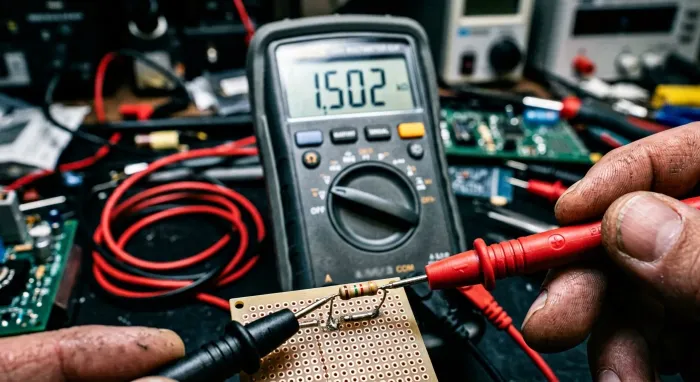
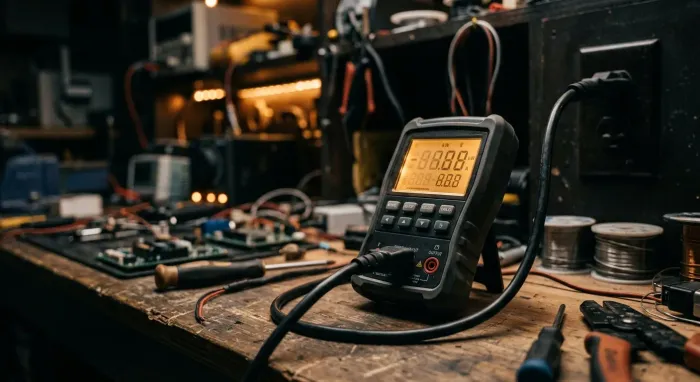
A multimeter is one of the most essential tools for any electronics project. It can measure voltage (AC/DC), current, resistance, and continuity. Digital multimeters (DMM) provide precise readings and have multiple functions, including diode testing and temperature measurement. Whether you’re testing a power supply or checking a component’s resistance, a multimeter is an indispensable tool for diagnostics and measurements.
Oscilloscope
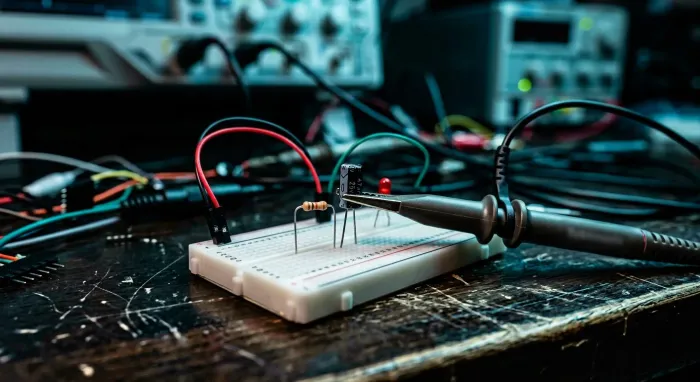
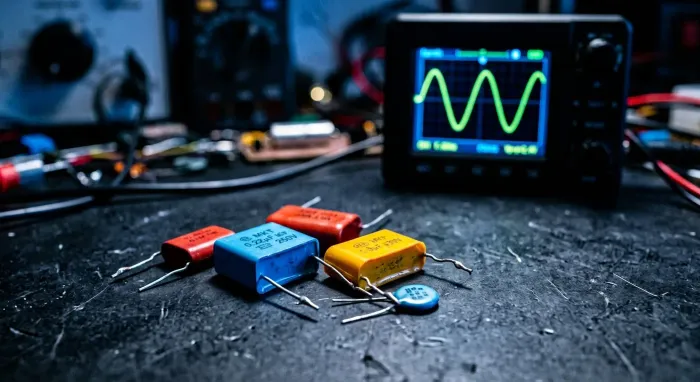
An oscilloscope is a more advanced tool that allows you to view waveforms and signals in real-time. It’s essential for analyzing complex signals, such as digital communications, audio signals, or analog signals. Oscilloscopes are often used to troubleshoot circuits by showing the voltage fluctuations over time, making it easier to spot problems like noise or signal degradation.
Power Supply
A variable power supply provides a controlled voltage to your circuit. You can adjust the output voltage and current to power different devices and components. A good power supply ensures a stable and reliable voltage source, which is especially useful when you’re testing new designs or experimenting with sensitive components that require precise voltage control.
Function Generator
A function generator produces electrical waveforms (sine, square, triangle, etc.) for testing circuits. Function generators are used to simulate various signal types and frequencies to verify circuit responses, especially in communication systems, amplifiers, and audio systems. A good function generator allows you to modify frequency, amplitude, and waveform shape.
Logic Analyzer
For those working with digital circuits, a logic analyzer is a vital tool. It is used to capture and display signals in digital systems, providing real-time insights into how your digital circuits are operating. Logic analyzers help troubleshoot digital systems by visualizing logic levels, timing issues, and communication between microcontrollers and other digital devices.
Component Tester
A component tester helps you check the health of individual components, such as resistors, capacitors, diodes, and transistors. Many multimeters have this functionality, but a dedicated component tester provides more detailed analysis and may include features for testing SMD components as well.
3. Prototyping and Assembly Tools
When designing and assembling electronic circuits, you’ll need tools to help you build and prototype your designs. These tools are used for creating circuit boards, making connections, and assembling systems. Here are some of the most common tools in this category:
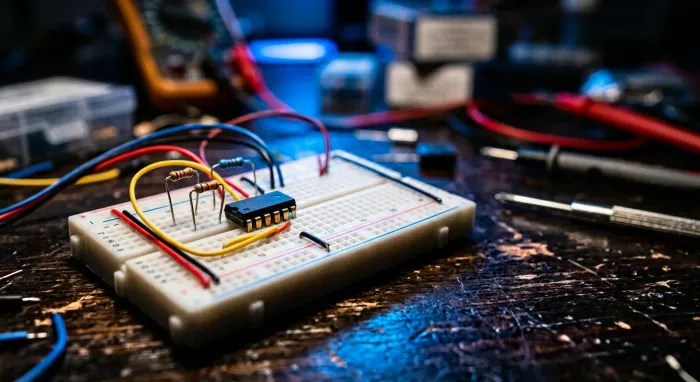
Breadboard
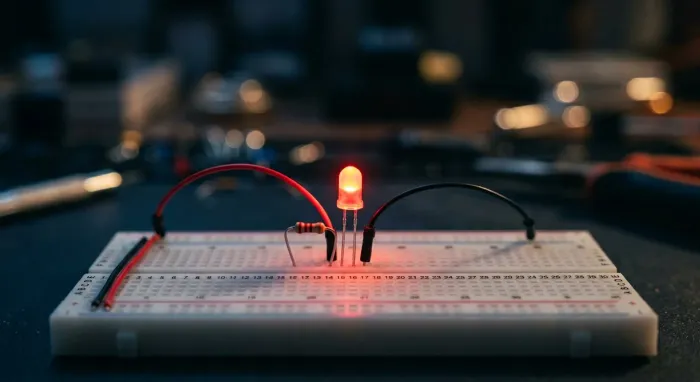
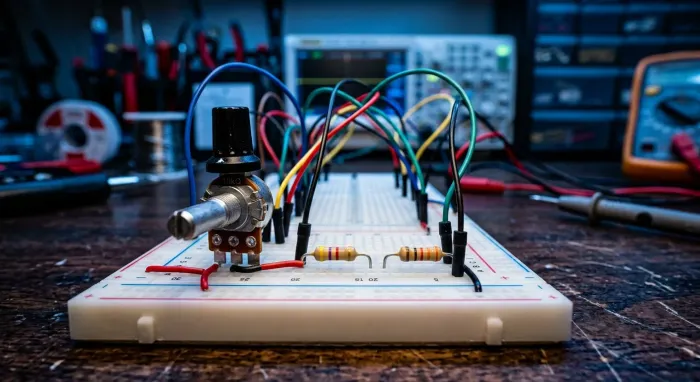
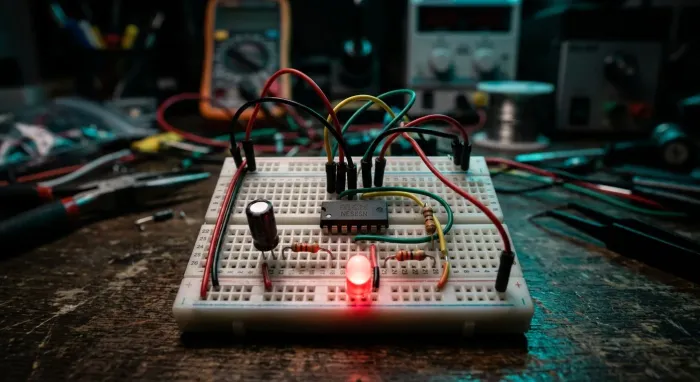
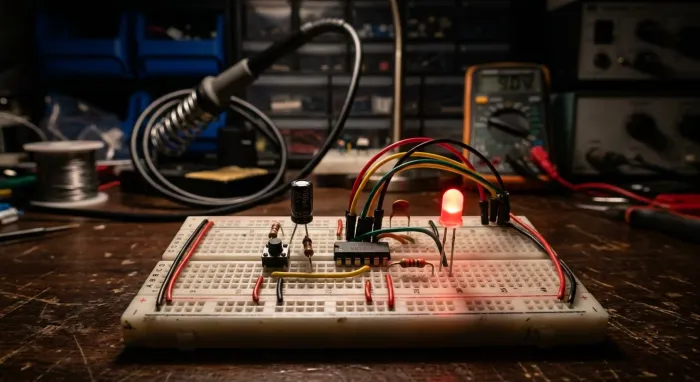
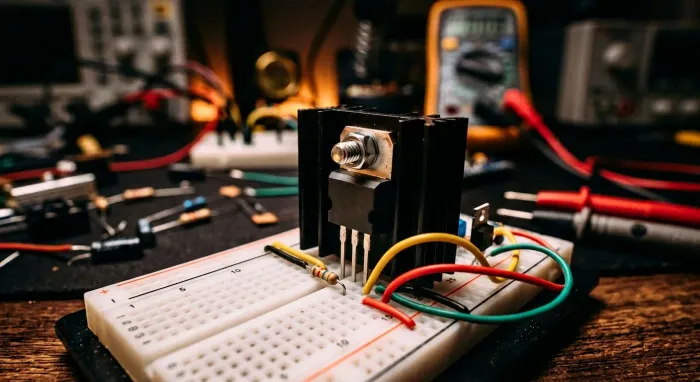
A breadboard is a tool used for prototyping circuits without the need for soldering. You can insert components and wires directly into the breadboard, making it easy to test and modify your design before committing to a permanent solution. Breadboards are great for rapid experimentation and proof-of-concept development.
PCB Design Software
For advanced users looking to create their own printed circuit boards (PCBs), PCB design software is an essential tool. Popular options include KiCad, Altium Designer, Eagle, and Autodesk Fusion 360. These programs help you design and lay out circuits, plan component placements, and generate Gerber files required for PCB fabrication.
PCB Milling Machine
A PCB milling machine is used to fabricate PCBs in-house, allowing for the rapid creation of custom boards. This tool is essential for engineers and hobbyists who want to create high-quality, precise PCBs for their projects without waiting for third-party manufacturers.
Wire Strippers
Wire strippers are essential for removing the insulation from wires before you connect them to components or terminals. They come in various sizes, with adjustable settings to accommodate different wire gauges. For precision, choose wire strippers that cleanly remove the insulation without damaging the wire.
Hot Air Rework Station
A hot air rework station is particularly useful for working with surface-mount technology (SMT) components. It uses hot air to heat and melt solder, allowing you to remove or replace small SMD components. These stations are invaluable for repairing or modifying PCBs with delicate components that cannot withstand the heat of traditional soldering.
4. Safety and Maintenance Tools
Working with electronics can involve risks like electrical shock or burns. It’s essential to have safety tools and maintenance equipment to protect yourself and keep your workspace safe.
ESD (Electrostatic Discharge) Mat
An ESD mat is a must-have for protecting sensitive electronic components from electrostatic discharge. It helps prevent damage to ICs, transistors, and other components that are vulnerable to static electricity. Use the mat in combination with an ESD wrist strap for full protection.
Soldering Fume Extractor
When soldering, fumes are released from the flux in the solder. Prolonged exposure to these fumes can be harmful to your health. A soldering fume extractor draws away these fumes, ensuring a cleaner and safer work environment.
Magnifying Glass or Headset
Working with small components often requires precision, and a magnifying glass or magnifying headset can help you see fine details. These tools are essential when working with tiny SMD components or performing detailed soldering tasks.
Safety Goggles and Gloves
Always wear safety goggles to protect your eyes from flying solder or debris. Additionally, wear gloves when handling hot soldering equipment to prevent burns or injury.
Conclusion
The right tools are essential for achieving professional-quality results in your electronics projects, whether you’re a hobbyist building simple circuits or an engineer working on complex systems. From basic hand tools like wire cutters and soldering irons to advanced test equipment like oscilloscopes and logic analyzers, the tools you use can make a significant difference in the ease and success of your projects.
As you advance in your electronics journey, building a comprehensive toolkit tailored to your needs will help you work more efficiently, troubleshoot effectively, and create innovative designs with greater precision. By investing in the right tools and continuously expanding your toolkit, you’ll be prepared to tackle a wide variety of electronics challenges and take your projects to the next level.
Remember, the most important tool you have is your creativity. With the right tools in hand, there are no limits to what you can build!