Electronics
Essentials: Guides and Builds
Step into the electrifying world of electronics where imagination meets innovation. From essential components like resistors and capacitors to complex microcontrollers and circuit boards, electronics are the foundation of modern life. Whether you’re a passionate DIY enthusiast, a student diving into engineering, or a professional building cutting-edge tech, this is your go-to hub for all things electronic.
Explore our wide range of components, tools, and kits designed to spark creativity and bring your ideas to life. Learn how circuits work, experiment with new projects, and stay updated with the latest trends in electronics design and technology. We’re here to power your next innovation one connection at a time.
Get ready to build smarter, faster, and more efficiently. Because in the world of electronics, the possibilities are truly limitless.
AdSense Top Banner – Responsive Ad Unit
Essential Electronics Components Guide
Understanding core components is the first step to any build. Here’s a curated guide to must-haves, with tips for selection and use in projects.
Resistors and Capacitors
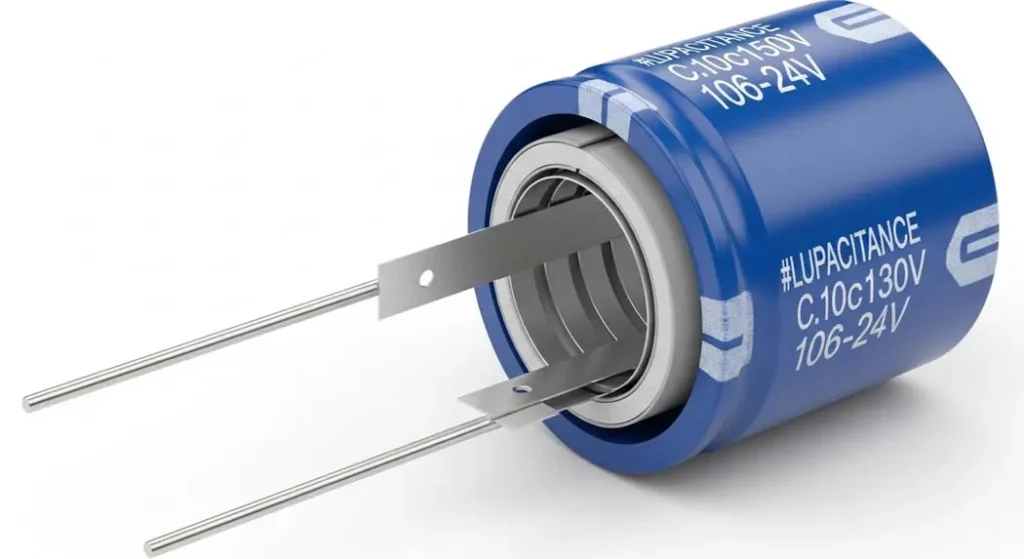
Resistors limit current to protect sensitive parts, while capacitors store and release energy for timing or filtering. Choose 1/4W carbon film resistors for breadboards, and ceramic capacitors for high-frequency apps like oscillators. Pro Tip: Use a resistor color code chart for quick values essential for prototyping without multimeters.
Microcontrollers and Sensors
Microcontrollers like Arduino or ESP32 act as the brain, processing inputs from sensors (e.g., temperature or motion). Recommendation: Start with the ESP32 for Wi-Fi integration in IoT projects it’s versatile and under $10.
Circuit Boards and Tools
From breadboards for testing to PCBs for permanent designs, boards bring ideas to reality. Essential tools include soldering irons and wire strippers. Look for FR4 PCBs for durability in hobbyist enclosures.
Safety Accessories
Anti-static mats and wrist straps prevent ESD damage to chips. Expert Insight: Ground yourself before handling CMOS ICs to avoid costly static zaps.
AdSense In-Content Rectangle – Responsive Ad Unit
Top Electronics Safety Tips
Safety ensures your projects and you stay intact. These guidelines, drawn from industry best practices, minimize risks like shocks or component failures.
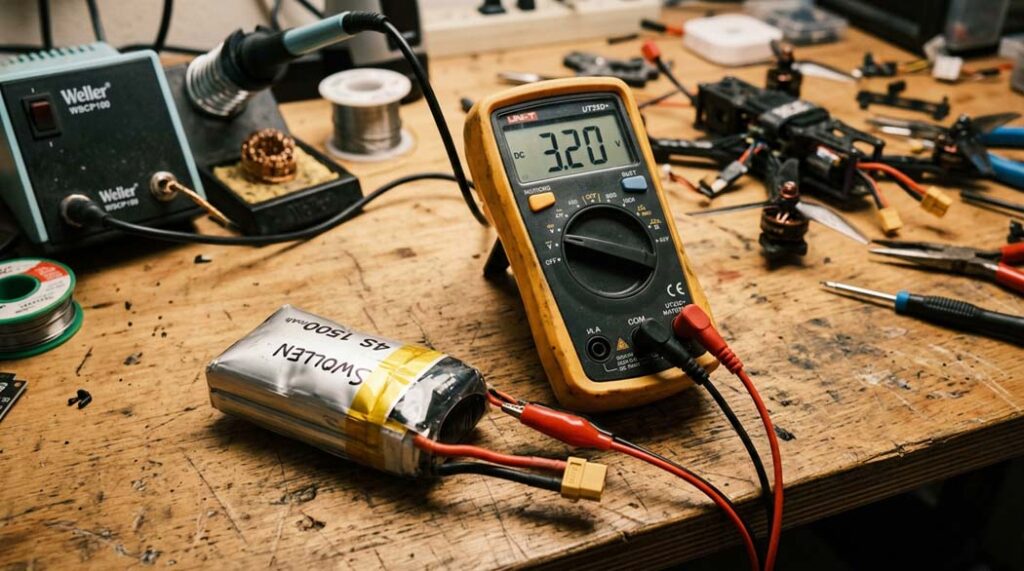
- Always power down before probing: Disconnect batteries to avoid shorts, as electronic components in safety-critical systems can degrade under faults, compromising reliability.
- Wear ESD protection: Use grounded mats to shield sensitive ICs from static discharge, a common issue in dry environments.
- Verify polarities: Double-check capacitor and diode orientations to prevent explosions or burnout.
- Start with low voltage: Begin at 5V for breadboards, scaling up only after testing.
- Follow standards: Incorporate IEEE criteria for electrical and electronic systems in designs, especially for power-heavy builds.
Beginner’s Guide to Building Circuits
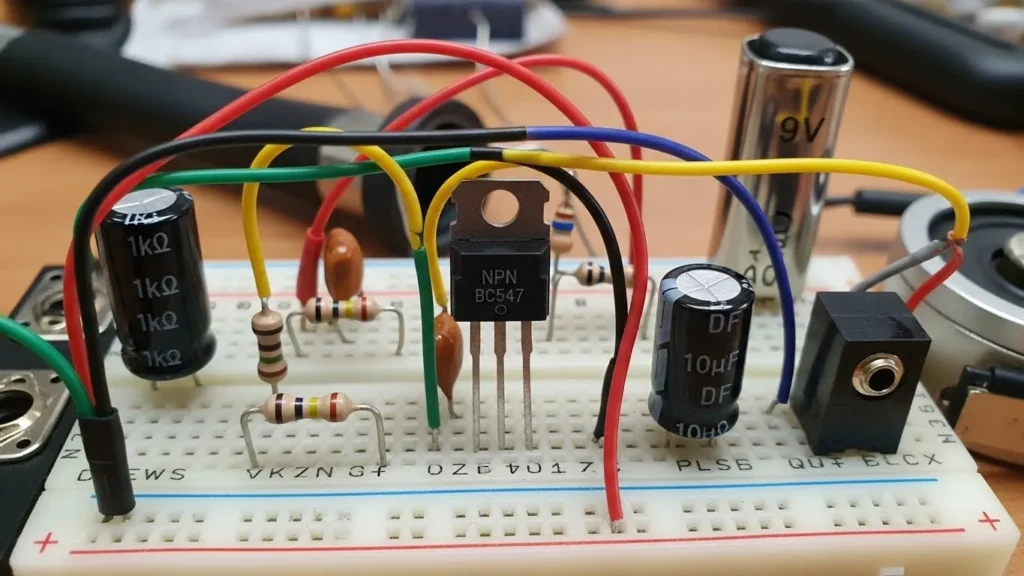
Ready to assemble? Try a simple LED blinker: Step 1: Gather a 220Ω resistor, LED, and battery. Step 2: Connect in series on a breadboard. Step 3: Add a switch and test glow. Common Pitfall: Forgetting the resistor it limits current to ~20mA for safe LED life. Scale to microcontrollers with our video tutorials.
2025 Trends in Electronics
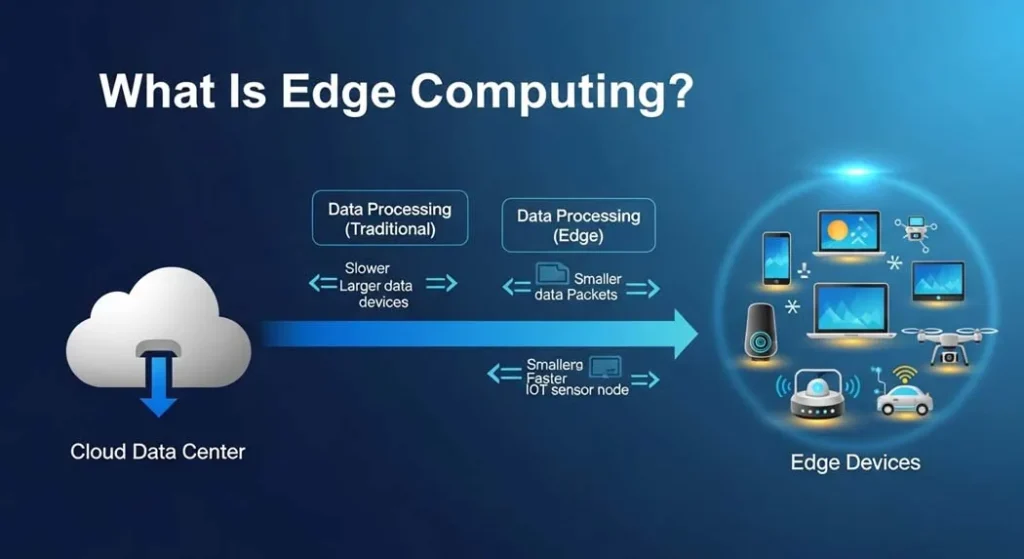
The field is evolving rapidly: Edge computing will refine data management for efficient IoT devices, reducing latency in real-time apps. AI integration in design tools could cut prototyping time by 30%, per IEEE forecasts for global impacts. Sustainable components, like recyclable PCBs, are rising, alongside safety-focused standards for advanced reactors and systems. EV electronics demand robust sensors for battery management—prep your builds for this shift.
AdSense Sidebar – Responsive Ad Unit
Frequently Asked Questions
- What’s the best starter kit for electronics beginners?
- The Arduino Uno kit includes breadboard and sensors. Follow our ESP32 tutorial for wireless upgrades.
- How do I choose resistors for a project?
- Calculate via Ohm’s Law (R = V/I). Our cheat sheet covers common values like 1kΩ for LEDs.
- Are microcontrollers worth learning in 2025?
- Absolutely they power AI edge devices. Start with free IDEs for quick coding.
- What tools do I need for basic soldering?
- A 30W iron, flux, and solder wire. Practice on scrap boards first.
- How can I make my projects sustainable?
- Use low-power chips and recycled enclosures. Explore our green electronics series.
Quick Resources for Your Next Project
- Ohm’s Law Cheat Sheet for instant calculations.
- Join the Procirel Electronics Forum for build tips.
- 2025 Focus: Edge AI Circuits—start with our basic logic gates guide.
Resources
Spark your builds with these free tools ideal for hobbyists and pros.
- Tinkercad (Free Circuit Simulator): Browser-based prototyping. Start here
- Arduino IDE (Free Download): Code for microcontrollers. Get it (Pair with our Starter Kit on Amazon.)
- Fritzing (Free Breadboard Designer): Visualize circuits. Download
- Multisim Live (Free Online Tool): Simulate before building. Try it (Enhance with our recommended Resistor Kit on Amazon.)