Arduino
Arduino: Unlocking the Power of Open-Source Electronics
Arduino is an open-source electronics platform based on easy-to-use hardware and software. It provides both novice and experienced engineers with the tools they need to create interactive electronic projects, from simple gadgets to sophisticated systems. Since its inception in 2005, Arduino has become one of the most popular platforms in the maker and DIY community, empowering thousands of people around the world to bring their ideas to life. In this guide, we’ll dive deep into what Arduino is, its components, how it works, and how you can use it to build your own projects.
What is Arduino?
At its core, Arduino is a microcontroller-based platform that allows users to create a variety of electronics projects with ease. The Arduino boards are equipped with microcontrollers that can be programmed to interact with sensors, motors, lights, and a wide range of other electronic components. These boards are designed to be user-friendly, making it easy for anyone to get started with electronics and programming without needing extensive knowledge of either field.
Arduino operates through two main components: hardware and software.
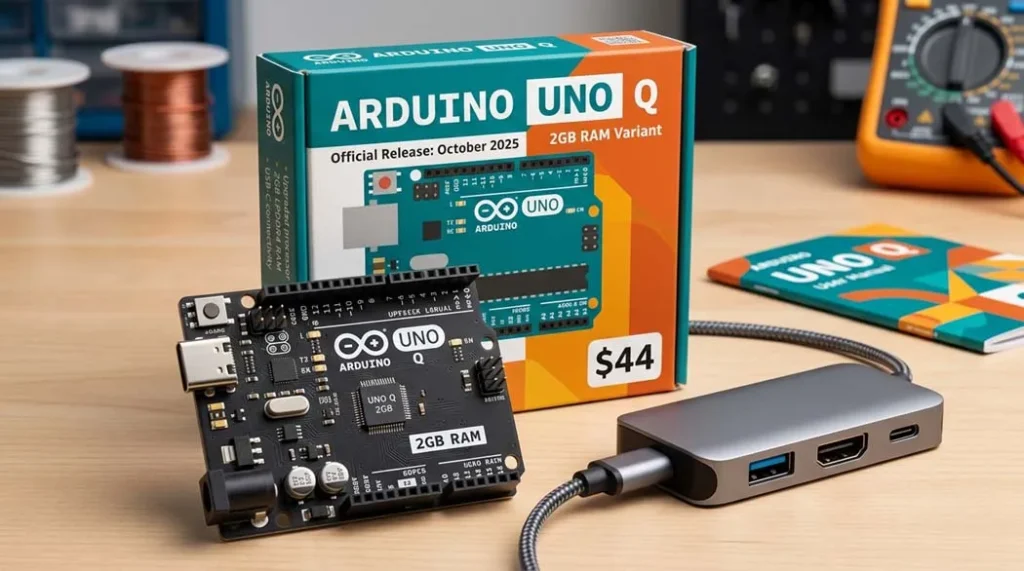
Hardware: The Arduino board consists of a microcontroller, input/output pins, a USB connection for programming, and a power supply. Popular Arduino boards include the Arduino Uno, Arduino Mega, and Arduino Nano, each offering different features for various levels of complexity.
Software: The Arduino Integrated Development Environment (IDE) is used to write and upload programs to the Arduino board. This IDE uses a simplified version of C++ programming, making it accessible to beginners while still powerful enough for more advanced projects.
Arduino Ecosystem
One of the major reasons for Arduino’s widespread popularity is its vast ecosystem. The platform has a rich community of developers, hobbyists, and educators who contribute to a library of open-source code, tutorials, and components. This ecosystem allows users to easily integrate third-party components and expand the functionality of their projects.
The key components that form the Arduino ecosystem include:
Arduino Boards: Different types of boards with varying features cater to different needs, from the basic Arduino Uno to the advanced Arduino Due with a 32-bit processor.
Shields: Arduino shields are add-ons that provide additional functionality to the base board. Common shields include motor shields, Wi-Fi shields, and Ethernet shields.
Sensors and Actuators: The Arduino platform supports a wide range of sensors (temperature, humidity, pressure, motion) and actuators (servos, motors, LEDs) that enable real-world interactions.
Libraries: Arduino libraries are pre-written code that simplifies the process of programming complex components. Whether you are working with sensors, displays, or communication protocols, libraries streamline the coding process.
Community: Arduino boasts a massive global community. Forums, blogs, and user groups provide endless resources for troubleshooting and inspiration. Arduino’s website also hosts a vast collection of tutorials and project ideas.
Why Choose Arduino for Your Projects?
Arduino is an accessible and highly flexible platform, making it the ideal choice for both beginners and experienced engineers. Some of the key advantages of using Arduino for your projects include:
1. Open-Source and Free
Arduino’s open-source nature allows anyone to contribute and modify both the hardware and software. The designs for the boards are available online, and you can even build your own Arduino board. The IDE is free, and there are no licensing fees or proprietary hardware restrictions.
2. User-Friendly
The Arduino IDE simplifies the coding and uploading process. The programming language is easy to learn, even for individuals with little or no programming experience. Additionally, the platform provides a lot of resources, including a huge library of code examples and tutorials.
3. Affordable
Arduino boards and components are relatively inexpensive compared to traditional development platforms. This affordability makes Arduino a great choice for hobbyists, students, and entrepreneurs who want to prototype or experiment without significant investment.
4. Wide Range of Projects
From beginner-level projects like blinking LEDs to more advanced ones like home automation systems, robotics, and IoT devices, Arduino is highly versatile. The platform supports a wide range of sensors, actuators, and modules, allowing users to create almost any kind of electronic system.
5. Extensive Support
Arduino’s large community and official support channels make it easy to get help and advice. Whether you’re troubleshooting a bug or looking for project ideas, you can find a solution in the official forums, online documentation, or via the numerous online tutorials.
Key Arduino Projects You Can Build
Arduino is used in countless applications, making it a great platform for experimenting and building creative projects. Here are a few examples of popular Arduino projects:
1. LED Blink
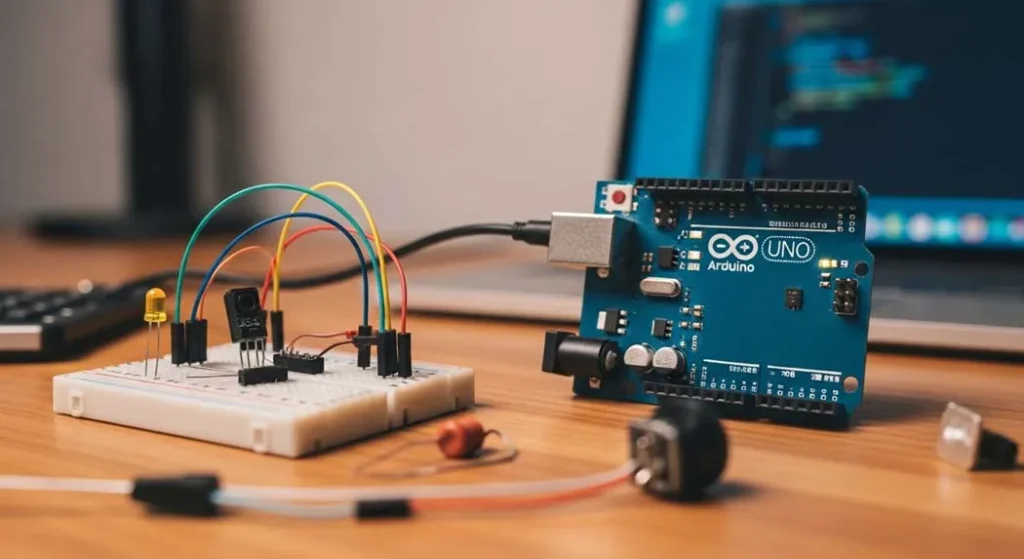
One of the simplest and most popular beginner projects, the LED blink involves programming the Arduino to turn an LED on and off at regular intervals. It’s the perfect introduction to programming and hardware interfacing.
2. Temperature Monitoring System
Using temperature sensors such as the DHT11 or LM35, Arduino can be used to monitor the ambient temperature and display the data on an LCD screen or send it to a web server for remote access.
3. Home Automation System
Arduino is ideal for controlling household devices like lights, fans, and security cameras. By integrating sensors (like motion or door sensors) and actuators (like relays), you can create an intelligent home system that responds to environmental conditions.
4. Weather Station
By integrating multiple sensors (humidity, temperature, pressure), an Arduino-based weather station can collect and display real-time environmental data. You can even use this project to log data for further analysis or share the information online.
5. Robot Projects
Arduino is a popular choice for building robots, from basic line-following robots to more complex robots with vision and obstacle-avoidance systems. With motors, sensors, and servos, you can build robots that move autonomously based on environmental inputs.
6. Bluetooth Controlled Devices
Using Bluetooth modules such as the HC-05, you can control devices from your smartphone or tablet. This project can be expanded to control anything from LED lights to motors, making it a great option for home automation.
Optimizing Your Arduino Projects
As you work on more complex projects, optimizing your Arduino design becomes important for efficiency and performance. Here are a few optimization tips:
1. Use Power Efficiently
Arduino projects often require external power sources, and optimizing power consumption is crucial for battery-powered applications. Use sleep modes and low-power sensors to extend battery life.
2. Minimize Code Size
As the Arduino has limited memory, keeping your code concise and efficient is essential. Use functions, libraries, and modular code to reduce the program size. Avoid unnecessary delays, and optimize logic for performance.
3. Use External Libraries
Instead of reinventing the wheel, take advantage of pre-existing Arduino libraries. These libraries simplify complex tasks like controlling motors, reading sensors, and establishing communication protocols.
4. Use Interrupts for Time-Sensitive Operations
Interrupts allow you to handle events in real-time without having to constantly poll for conditions. This can be especially useful in time-sensitive projects, such as robotics or audio processing.
Common Challenges in Arduino Projects
While Arduino is beginner-friendly, certain challenges can arise, especially in more complex projects. Some of these challenges include:
1. Limited Processing Power and Memory
Arduino boards are based on relatively simple microcontrollers, which can have limited processing power and memory. Complex algorithms or large datasets can overwhelm the board, requiring the use of more powerful microcontrollers or additional external memory.
2. Compatibility Issues
Not all components work perfectly with every Arduino board. Sometimes, issues like voltage mismatches, pin configurations, or timing problems can arise. Always verify that the components you’re using are compatible with your specific Arduino model.
3. Debugging Hardware Issues
Troubleshooting hardware issues like faulty wiring, damaged components, or improper power supply can be tricky. It’s important to follow best practices when connecting components and ensure the Arduino is properly powered.
Getting Started with Arduino
To start your Arduino journey, you’ll need the following:
Arduino Board: Choose the right board based on your project needs. The Arduino Uno is a great choice for beginners.
Breadboard and Components: A breadboard for prototyping and basic electronic components (LEDs, resistors, sensors, etc.).
Arduino IDE: Download and install the free Arduino IDE on your computer. This is where you’ll write and upload your code to the Arduino.
Cables and Power Supply: A USB cable for connecting the Arduino to your computer and a power supply (if necessary for standalone projects).
Conclusion
Arduino is more than just a microcontroller; it’s an entire ecosystem that empowers makers, engineers, and hobbyists to create innovative electronic projects. Whether you’re building a simple project or tackling more advanced systems, Arduino offers the flexibility, support, and tools you need to succeed. The open-source nature of the platform means you can learn from and contribute to a global community of creators, making it an excellent choice for anyone interested in the world of electronics and programming.
With its accessibility, affordability, and vast range of applications, Arduino is the gateway to a world of creativity and innovation. Whether you’re a beginner or an expert, there’s no limit to what you can create with Arduino. Start exploring today and bring your ideas to life!